Agent = model + harness
The model gets the headlines, but the harness around it is what makes an agent. Here's what's in a harness, how the loop really runs, and why the same model can be a toy or a colleague.
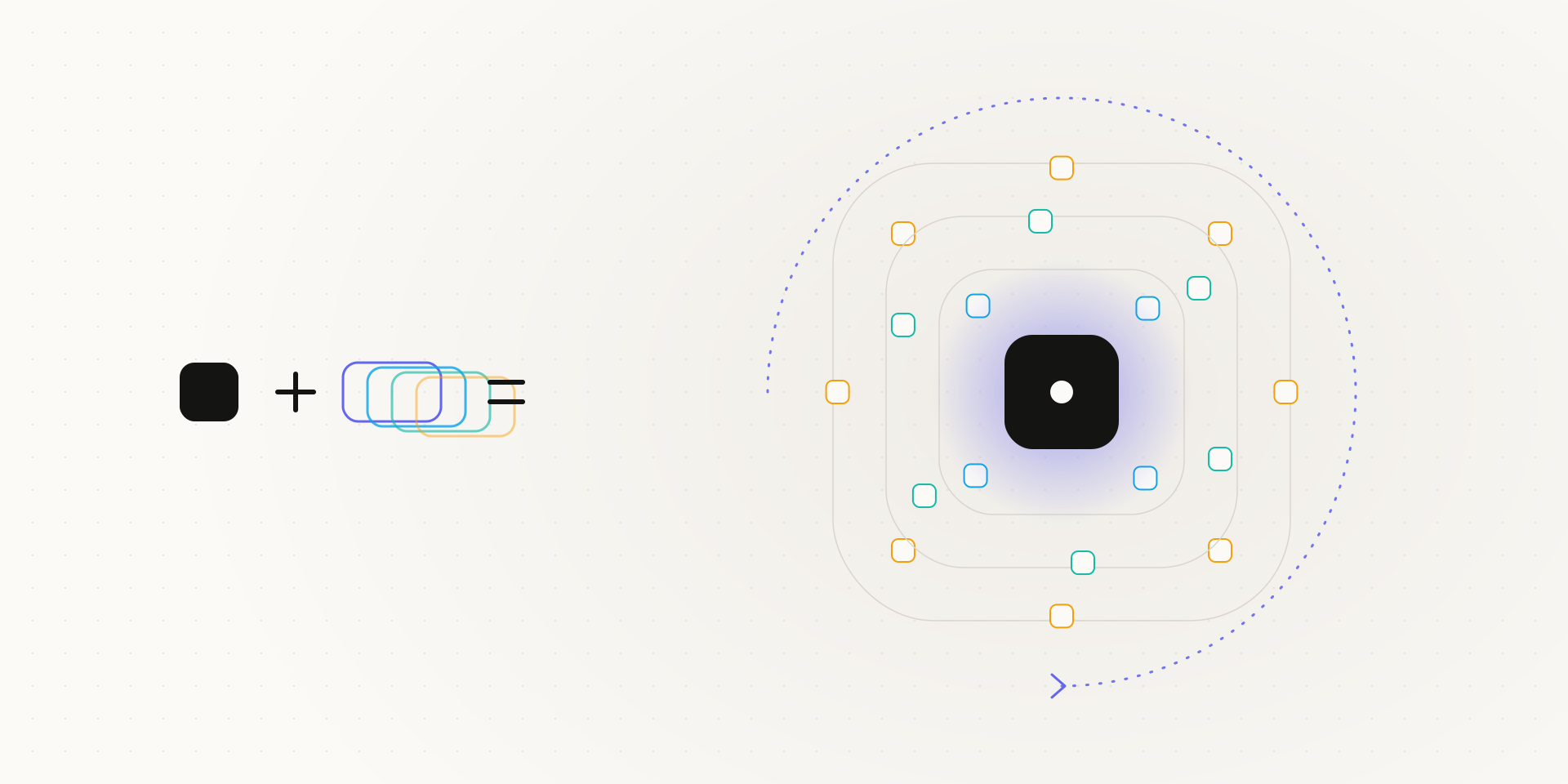
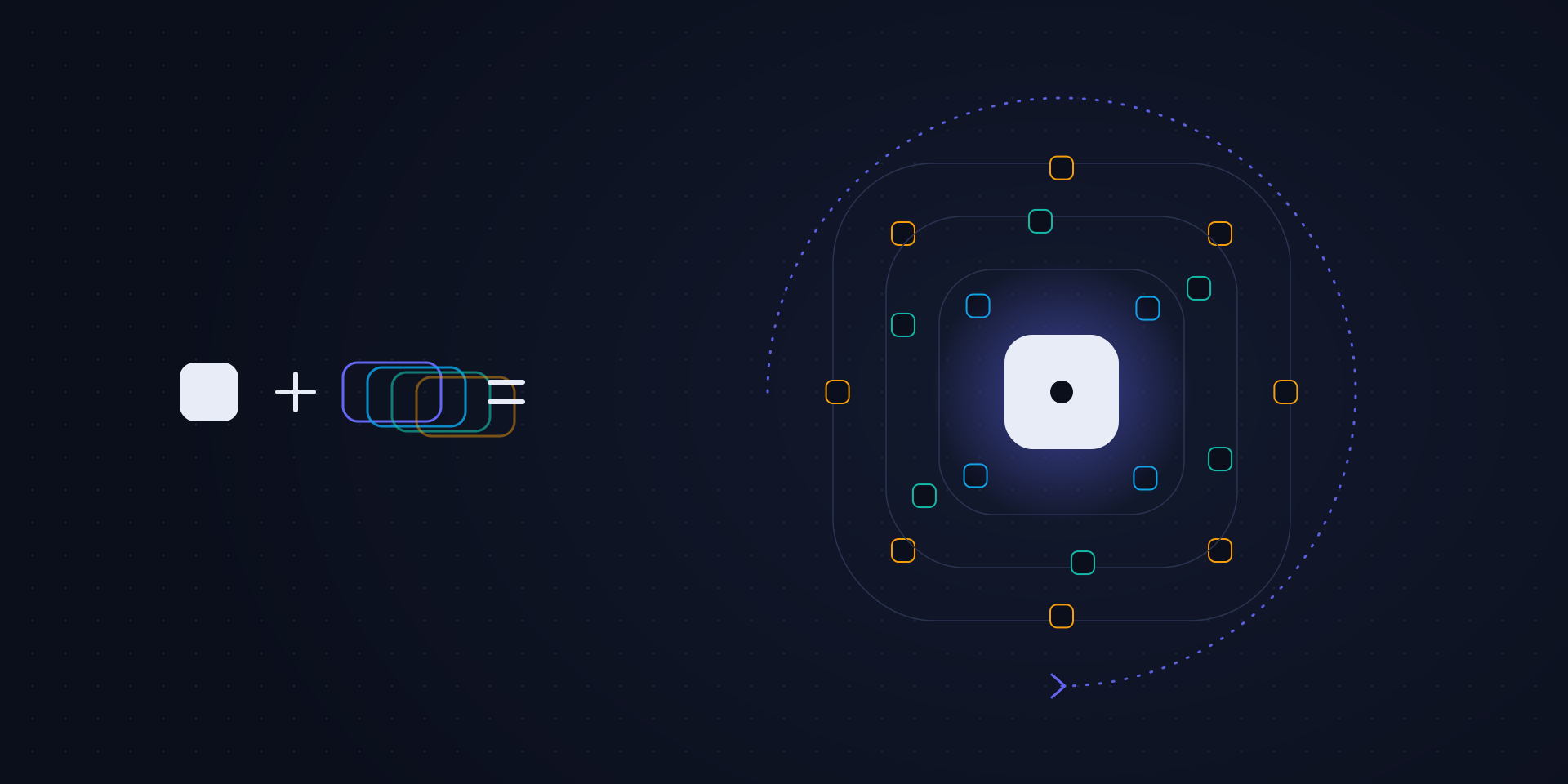
Every few months a new model comes out and someone asks whether it's "agentic". It's the wrong question. A model on its own isn't an agent and can't become one. It reads text and predicts more text, once, then stops.
An agent is a model inside a harness: the code that calls it in a loop, gives it tools, decides what it sees, checks what it's allowed to do, and knows when to stop. The model is the engine. The harness is the rest of the car.
The equation
Here's the whole idea in one picture. Switch between the model on its own and the model with a harness, and click any part to see what it does, and what breaks without it.
Interactive
= an agent
Loop
Calls the model, runs what it asks for, feeds the result back, and calls it again until the job is done.
Without itOne reply and it stops. It can describe step one, never reach step three.
None of those eight parts are about intelligence. They're ordinary engineering: loops, schemas, permissions, logs, tests. That's the point. When an agent impresses you, a large share of what you're seeing is the harness. When one disappoints you, the cause is usually there too.
The loop is the agent
Strip a harness down and you find one loop. Build the request, call the model, look at what came back. If the model asked for a tool, check it, run it, append the result and go around again. If it didn't, you're done.
Here's that loop on a real task. Play it through, then switch to "Model only" and play it again.
Interactive · watch the loop
TaskOrder 48213 arrived damaged. Refund it and let the customer know.
- Build contextAssemble the request: system prompt, three tool schemas, the user's message.
1,900 / 8,000 tokens
The model only ever does one thing in that animation: decide the next step. Everything else is the harness. Looking up the order, checking the refund is allowed, attaching an idempotency key, sending the email, keeping count, and stopping. Remove the harness and you get a well-written paragraph explaining what someone should do.
In code, the core is shorter than most people expect.
def run(task: str, user: User, max_turns: int = 12) -> str:
    messages = [system_prompt(user), {"role": "user", "content": task}]

    for turn in range(max_turns):
        reply = model.complete(messages, tools=registry.schemas_for(user))
        messages.append(reply)

        if not reply.tool_calls:
            trace.finish(turn, reply)          # no tool call: the model is done
            return reply.text

        for call in reply.tool_calls:
            result = harness.execute(call, user)   # validate, authorise, run, log
            messages.append(tool_result(call, result))
        messages = context.fit(messages)       # keep the window under budget

    trace.stopped("max_turns")
    return "I couldn't finish this. Here's where I got to: ..."
Twenty lines, and every interesting decision hides in four function calls: what the system prompt
says, which tools this user gets, what execute checks, and how fit trims the history. That's
where the real work is.
Tools are an API you design for a reader that guesses
A tool is a function with a name, a description and a schema. The model never runs it. It asks for it by name, and the harness decides whether to.
That makes tool design closer to API design than prompt writing, with one twist: your caller is fluent, fast and occasionally confidently wrong. A few rules that save a lot of pain:
- Name tools for the outcome, not the system.
refunds.issuebeatspost_v2_txn. - Make the schema strict. Enums instead of free text, bounds on numbers, required fields actually required. Reject anything that doesn't validate and say why, so the model can fix it on the next turn.
- Enforce limits in the tool, not the prompt. If refunds are capped at $50, the cap lives in code. The prompt can mention it; the tool must enforce it.
- Make writes idempotent. Models retry, networks retry, loops retry. The second call with the same key should be a no-op.
- Return less. A tool that returns a 40 KB JSON blob is spending your context window on noise. Return what the next decision needs.
export const issueRefund = tool({
  name: "refunds.issue",
  description: "Refund one order that arrived damaged or never arrived.",
  input: z.object({
    order_id: z.string().regex(/^\d{5,}$/),
    reason: z.enum(["damaged", "lost"]),
  }),
  async run({ order_id, reason }, ctx) {
    const order = await orders.get(order_id, { as: ctx.user }); // their permissions, not ours
    if (order.total > 50) return { ok: false, error: "Over $50: needs a claims review." };
    return refunds.create({ order_id, reason, key: ctx.callId });  // idempotent on the call id
  },
});
Context is the hardest part
The model sees nothing except what the harness puts in front of it, every single turn. That window is finite, and it fills faster than you'd think. Each turn adds the model's reply and every tool result, on top of the instructions and tool schemas that ride along every time.
Drag the slider to watch a long task fill the window, then turn on compaction.
Interactive · the context window
- System prompt1,500
- Tool schemas2,600
- Memory600
- Conversation2,800
- Tool results7,200
Without a plan, one of two things happens. The request fails outright, or text gets cut from the start, which is exactly where your instructions live. Both look like the model "getting dumber" halfway through a task.
Good harnesses treat context as a budget with an owner:
- Fixed costs first. System prompt and tool schemas are paid on every turn. Keep them tight, and only load the tools this user and this task need.
- Recent turns verbatim. The last few exchanges stay word for word, because that's where the model is working.
- Older turns summarised. Replace them with a short summary of decisions and findings, not a transcript.
- Tool results trimmed. Keep the part that mattered. Drop the rest, or store it and leave a pointer the model can follow if it needs to.
- Retrieve, don't preload. Fetch documents when a question needs them, rather than stuffing everything in up front.
Memory is context that survives
The context window is working memory: gone when the session ends. Some things should outlive it, like a user's preferences, a decision made last week, or what was already tried.
That's memory, and it's just another harness job: decide what's worth keeping, store it, and on the next task retrieve only what's relevant. The usual mistake is remembering too much. A memory store that returns twenty loosely related notes is worse than none, because it fills the window with things the model will try to use.
Control: permissions, budgets and knowing when to stop
A model will happily keep going. Every serious harness has hard edges around it:
| Control | What it stops |
|---|---|
| Permissions per user | The agent seeing or doing more than the person asking could |
| Approval for risky actions | Irreversible writes based on one turn's guess |
| Max turns | Loops where the model keeps "double-checking" |
| Token and cost budget | One task quietly costing more than the job is worth |
| Timeouts per tool | One slow system stalling everything |
| A clear stop condition | Never finishing, or stopping before the work is done |
None of these are the model's job. Asking the model to "be careful with refunds" is a wish. Checking the refund in code is a control.
You can't improve what you can't see
When an agent gets something wrong, there are a dozen suspects: the prompt, a tool description, a bad tool result, a trimmed context, a stale document, or the model itself. Without a trace of every turn, every fix is a guess.
So the harness records everything: what went into each call, what came out, which tools ran with which arguments, how long each step took, and why it stopped. Then it replays a set of real tasks against every change, so a prompt tweak that breaks something is caught before users find it.
Same model, different harness, different agent
This is the part that surprises people. Take one model and wrap it in three different harnesses, and you get three different products.
| Chat assistant | Coding agent | Support agent | |
|---|---|---|---|
| Loop | One turn per message | Many turns until tests pass | A few turns per ticket |
| Tools | Search, maybe | Read and edit files, run commands | Orders, refunds, tickets |
| Context | The conversation | The repo, chosen file by file | Customer history and policy |
| Permissions | Few | The working directory | The customer's own records |
| Stop when | It has answered | Tests pass or it's stuck | The ticket is resolved |
Same model, very different abilities. And if you swap in a newer model next quarter, most of what makes each agent good stays exactly where it is.
What to take away
When you evaluate an agent, look past the model name. Ask what loop it runs, what tools it has and how strictly they're checked, how it manages its context, what stops it, and whether anyone can see what it did.
The model is the part you rent, and it keeps getting better on its own. The harness is the part you build, and it's where almost all of the difference lives.